We use cookies to make your experience better. To comply with the new e-Privacy directive, we need to ask for your consent to set the cookies. Learn more.


May 18,24
What Is a Cube Docking Station?
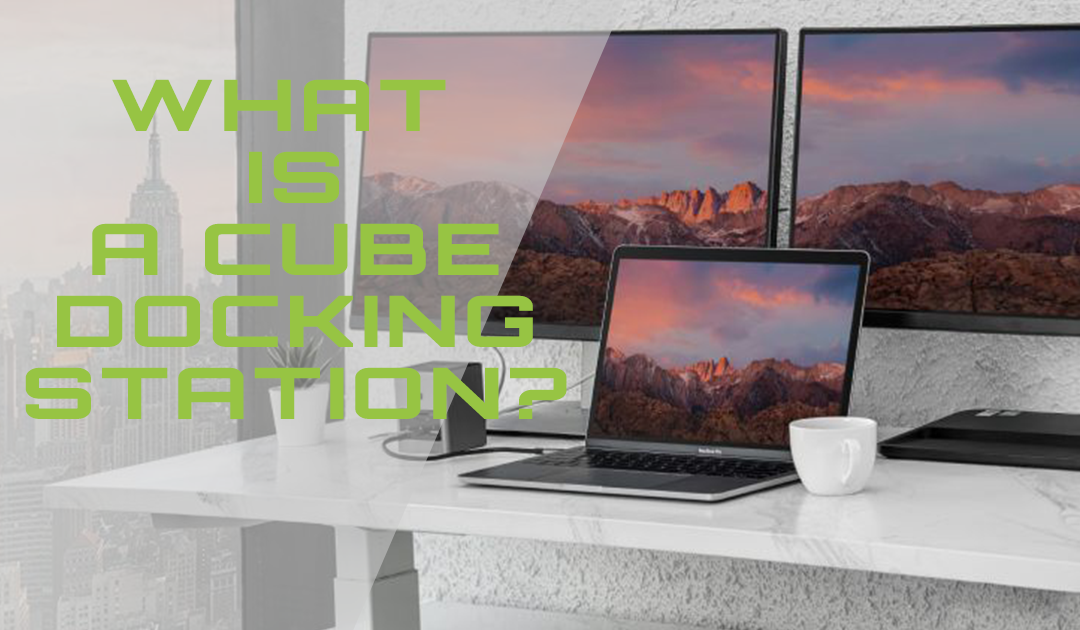
Simply put, the docking station refers to an attachment to extend something. It is a powerful workstation that offers various ports for mobile devices. It is also known as a “dock” or a ‘universal port replicator.” Once a docking station is plugged into the laptop, it amplifies the capability of a laptop into a full-fledged desktop.
One of the most compact variants is the ‘cube docking station’. It is smaller than most mobile phones, saves a lot of desk space, and eliminates clutter on your work desk. It measures 2.5 x 2.3 x 1.4 inches, making it one of the smallest docking stations available in the market. Users can connect the following to the cube docking station via a single USB C-cable:
- Two HDMI displays
- One USB 3.0 port,
- Two USB 2.0 ports for connecting peripherals like a keyboard and mouse
- A wired gigabit Ethernet connection
Features of a docking station
- It consists of standard expansion slots. It also has additional expansion ports for connecting peripherals such as a backup drive, larger storage, keyboard, printer, modem, and more.
- It is portable, does not take up much space, gives power supply, and enables a user to connect multiple devices.
Features of a ‘cube docking station’
- Connectivity: It enables compatible Thunderbolt 3 equipped Mac and USB-C, Chromebook, and Windows systems to connect with dual HDMI monitors, 3 USB 3.0 devices, and wired gigabit Ethernet. However, it is incompatible with DisplayPort monitors.
- Compact and sleek: A one of its kind docking station which is cube-shaped, and smaller than a mobile phone helps save valuable desk space and eliminates clutter. What’s more, being sleek and a lightweight dock (130g), it is your perfect travel partner for a quick set-up at a conference or connectivity in a meeting room.
- USB-C Compatibility: Make sure the host laptop is equipped with a USB-C port supporting DisplayPort Alternate Mode. A few examples are the 2018 MacBook Pro, the 12″ Retina MacBook, and a few Microsoft and Dell laptops too.
- Performance: The Cube provides a direct pipeline to the host graphics processor with its VESA DisplayPort Alternate Mode over USB-C.
